There are frames to compare, files to sort, edits to make and photos to deliver. We’re building tools for photographers and filmmakers who want to spend less time repeating those steps.
THE APPS
What are you working on?
Each app tackles a different part of a shoot. Here’s what we’re building.
Kreative Studio
MacIn development
Pick the frames you want to keep.
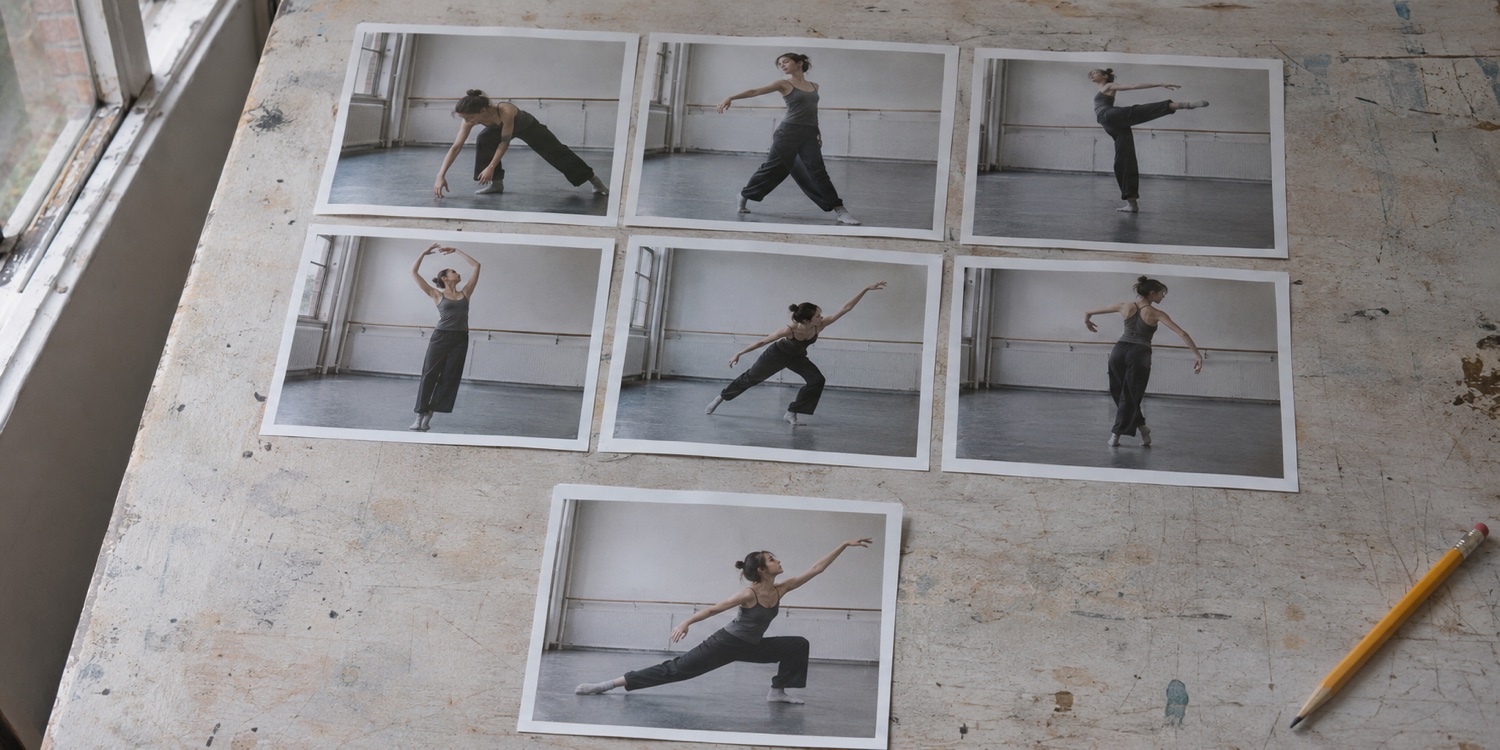
Compare photos and video, choose your keepers, and organize the shoot. Studio also has an Edit section for image and portrait work. We’re working on letting you open photos there without culling first.
Explore what’s coming +
Compare frames side by side
Keep ratings, labels, and notes together
Review suggestions before deciding what to keep
Image and portrait editing within Studio’s Edit section
Planned: open photos for editing without culling first
Kreative Grids
MacIn development
Build a guide for your camera.
Make composition guides on your Mac to use in your camera. Start with a preset or build your own using editable layers and transparent overlays. We’ll confirm supported cameras and setup requirements at release.
Explore what’s coming +
Start with presets or build your own
Refine guides with precise controls
Save projects and export PNG overlays
Kreative Booth
Mac + iPadEarly field testing
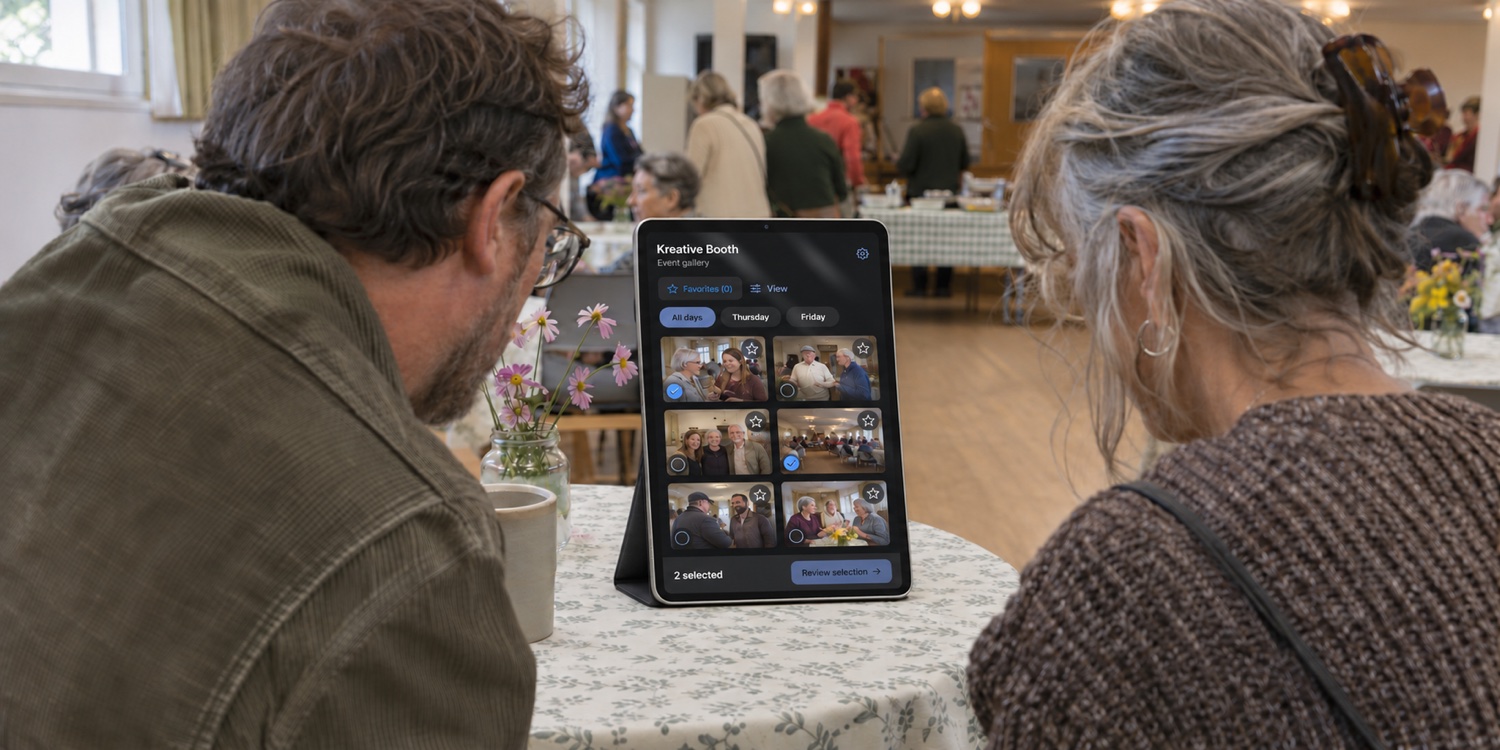
Let guests browse photos at the event.
Run Kreative Booth on your Mac and let guests browse the gallery and choose photos with Booth Viewer on iPad. They’re two parts of the same product. We’re testing them at events and working through what needs improving.
Explore what’s coming +
Browse organized event galleries
Review selections and orders
Keep delivery approval with the photographer
Kreative Relay
Workflow connectionEarly development
Pass files between apps.
We’re building Relay to move files and their related information between Kreative Tools, without setting everything up again in each app.
Explore what’s coming +
Reduce manual file handoffs
Keep related information with the work
Connect the apps as development continues
The apps are still in development and aren’t publicly available. Booth has been tested at a live event, but it hasn’t been released. We’ll confirm features, compatibility, pricing and release dates at launch. Connections between apps through Relay are still being built.
PLUGINS IN DEVELOPMENT
Keep editing in Photoshop.
Two tools for different parts of the edit.
Kreative Retouch Panel
ToolboxLayers
◐Dodge & Burn Pair
▱Frequency Separation
◉Luminosity Masks
PHOTOSHOP · RETOUCHING
Kreative Retouch Panel
Set up dodge and burn and frequency separation without rebuilding your layer stack for every image. Work with editable layers and masks so you can refine the result as you go.
Before · Lasso
After
Example edit: remove the selected object.
PHOTOSHOP · LOCAL GENERATIVE EDITING
Kreative Image Control
Fill or replace a selected area with a local generation engine. Preview the result and bring it back into Photoshop on a masked layer for further editing. A Capture One version is also in development.
FROM SHOOT TO DELIVERY
The work after the shoot.
Use the tools that fit the job.
Less time setting up. More time editing.
After a shoot, you still need to review the files, choose what to keep, edit and deliver. These tools focus on those jobs. We’re also working on ways to carry files and your decisions from one app to the next.
FRAME · OPTIONAL / GRIDS
Set up your guides.
If you use composition guides, make them in Grids before the shoot. We’ll confirm which cameras support them at release.
You don’t need every tool for every job. Use Grids for camera guides, Studio for review and editing, or Booth at an event. Connections between the apps are a longer term goal, not a finished feature.
BEYOND CAPTURE
What slows you down after a shoot?
We want to hear which parts of reviewing, editing and delivering photos take more work than they should. We’re also interested in talking with camera and software teams about making those steps work better together.
The apps are still in development. We’ll introduce connections and integrations as they’re built and tested.
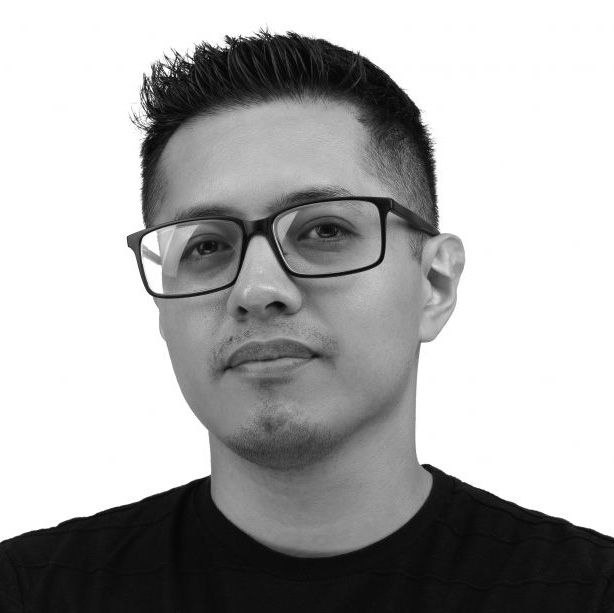
Photographer and filmmaker Rudy Salgado founded Kreative Tools after spending too many hours sorting files, repeating setups and moving work between apps.
The apps each take on part of that work: composition guides in Grids, review and editing in Studio, and guest galleries in Booth. Relay is our project for connecting them.
Our approach is to protect your original files and leave the final decisions with you.
RUDY SALGADOFOUNDER / LOS ANGELES
THE PERSON BEHIND THE TOOLS
A photographer making tools.
Meet Rudy Salgado.
Rudy is a photographer and videographer in Los Angeles. He shoots concerts, fashion, events, artists and brands.
Kreative Tools comes from the work around those shoots: comparing frames, organizing files, editing and preparing deliveries. Rudy is building tools he can use on his own jobs and share with other photographers and filmmakers.
“I’m building Kreative Tools around the work that happens between taking a photograph and getting it into someone’s hands. My goal is to make those steps feel connected, while keeping the photographer’s judgment at the center.”
We’re still building and testing the first releases. Booth has been tested at a live event, and we’re making improvements. There’s no launch date yet. We’ll post updates here as each app is ready.
Which devices are you building for?
Studio and Grids are being developed for Mac. The Kreative Booth product includes Kreative Booth on Mac and its Booth Viewer companion on iPad. Relay is an early local transfer prototype; integration between the apps is still being developed. Final system requirements and supported workflows will be published with each release.
Where does portrait editing fit?
Image and portrait editing live in Kreative Studio’s Edit section. We plan to let you open photos there without culling them first. That separate editing workflow is still being developed, and its final scope isn’t confirmed yet.
Will these tools replace my creative decisions?
No. We’re building tools to help you review and organize your work. You should be able to check suggestions and make the final call yourself.
What will they cost?
Pricing and licensing have not been announced. We’ll publish clear details before any product becomes available to purchase.
Can I share feedback or get involved?
Yes. Tell Rudy what you shoot, what slows you down and which app you’d like to try. Use the contact link below. We’ll announce testing opportunities separately.
HELP SHAPE WHAT’S NEXT
Get updates on the apps.
Get product news, register your interest in beta testing, or both. Choose what you’d like to hear about.
Beta invitations will go out as testing opportunities become available. Signing up doesn’t guarantee access.
TELL US WHAT YOU NEED
What would help on your next job?
Tell us what you shoot, what takes too long, and what you wish your tools could do.



 Kreative Studio